Apple has officially rolled out iOS 26.2, along with updates across its entire ecosystem, bringing new features, performance improvements, and a brand-new visual utility called Edge Light. This release continues Apple’s push toward smarter interfaces, deeper customization, and tighter integration across devices.
Whether you’re an iPhone user, iPad owner, or part of Apple’s broader ecosystem, here’s everything you need to know about what’s new — and how you can try these updates right now.
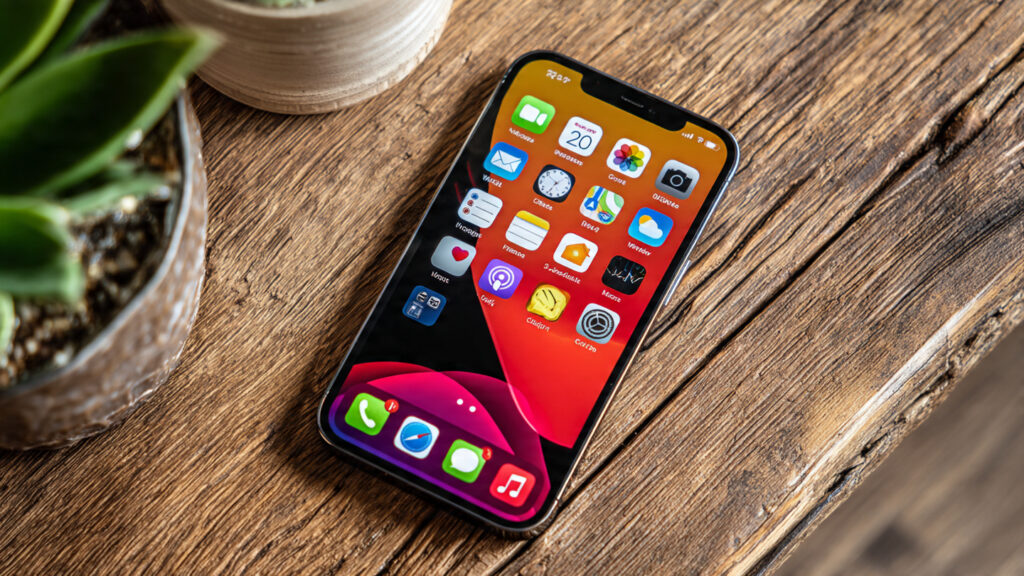
What’s New in iOS 26.2
iOS 26.2 focuses on refinement rather than drastic redesign, but the improvements are noticeable in daily use.
Key Highlights
- Smoother animations and faster app transitions
- Improved battery optimization for long-term health
- Enhanced privacy controls for background app activity
- Bug fixes targeting system stability and overheating issues
Apple has clearly optimized this update for performance, especially on older supported devices.
Introducing the Edge Light Tool
One of the most talked-about additions in iOS 26.2 is Edge Light, a subtle but powerful new visual feature.
What Is Edge Light?
Edge Light is a smart illumination effect that softly lights up the edges of your screen during specific interactions, such as:
- Incoming notifications
- Voice assistant activation
- Charging status
- Focus or sleep mode transitions
Unlike flashy notification effects, Edge Light is designed to be minimal, elegant, and distraction-free.
Why It Matters
- Makes notifications noticeable without interrupting usage
- Adds a premium visual feel to the UI
- Helps during silent or focus modes
- Improves accessibility awareness
It’s a small change, but one that enhances everyday interaction.
Other Apple OS Updates Released
Alongside iOS 26.2, Apple has also released updates across its ecosystem:
iPadOS 26.2
- Better multitasking stability
- Improved Apple Pencil responsiveness
- Performance boosts for creative apps
macOS 26.2
- Faster Spotlight search
- Improved memory management
- Security patches and system refinements
watchOS 26.2
- More accurate activity tracking
- Improved battery efficiency
- Smoother UI navigation
tvOS 26.2
- Enhanced streaming performance
- Better audio synchronization
- Minor interface refinements
These updates aim to keep all Apple devices aligned and working seamlessly together.
How to Try iOS 26.2 and Other Updates
For iPhone and iPad
- Open Settings
- Go to General
- Tap Software Update
- Download and install the latest version
Make sure your device is connected to Wi-Fi and has sufficient battery or is plugged in.
For Mac
- Open System Settings
- Select General
- Click Software Update
- Install macOS 26.2
For Apple Watch
- Open the Watch app on iPhone
- Go to General → Software Update
- Download and install
Should You Update Now?
If you value:
- Better performance
- Improved battery life
- Polished UI enhancements
- Stronger system stability
Then yes, iOS 26.2 is a safe and recommended update for most users.
If you rely on critical third-party apps, it’s still wise to check compatibility, but early feedback suggests the update is stable and well-optimized.
Final Thoughts
iOS 26.2 may not be a headline-grabbing overhaul, but it’s a thoughtful update that improves how Apple devices feel day-to-day. The new Edge Light tool adds subtle elegance, while system-wide refinements make the ecosystem smoother and more responsive.
Apple continues to focus on small but meaningful upgrades — and iOS 26.2 is a strong example of that philosophy in action.